


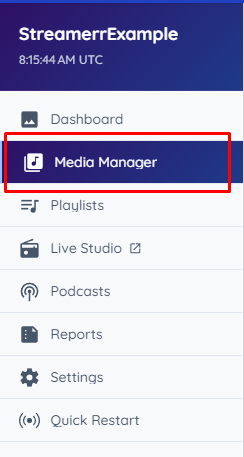
To assign your uploaded media to your playlists, head to the ‘Media Manager’ page, found on the left-hand side navigation menu.
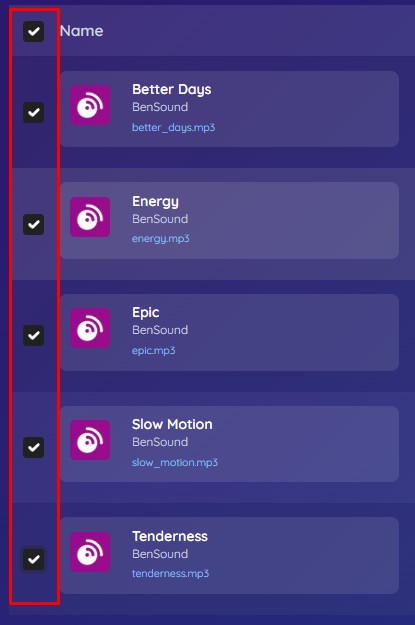
You will see your uploaded files and folders (if you have created any). Select the files/folders that you would like to assign to a playlist by clicking the checkbox to the left of the file/folder. (Tip: you can click the checkbox to the left of ‘Name’ to select all files/folders on the page).
Click the blue ‘Playlists’ dropdown button at the top of the file manager. Here, you can choose an existing playlist to assign your selected media to, or assign them to a new playlist.
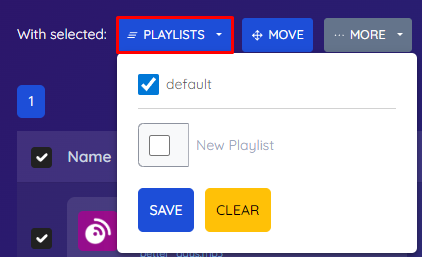
Click ‘Save’. Your selected media has now been assigned to an existing or new playlist, and is ready for playback by the AutoDJ.