


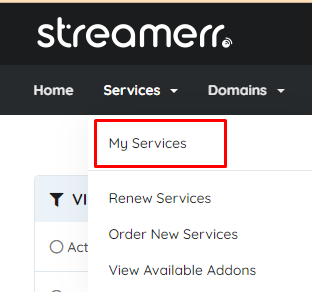
To log into your Streamerr Panel service, simply ensure you are logged into our website, and head to the ‘My Services’ page.
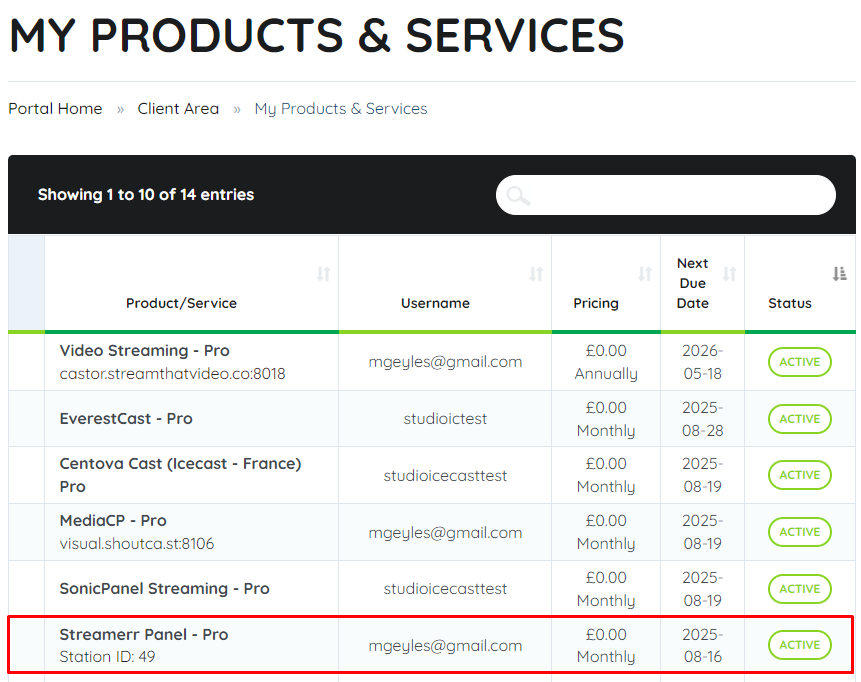
On the ‘My Products & Services’ page, locate your active Streamerr Panel service, and click on it’s row in the table.
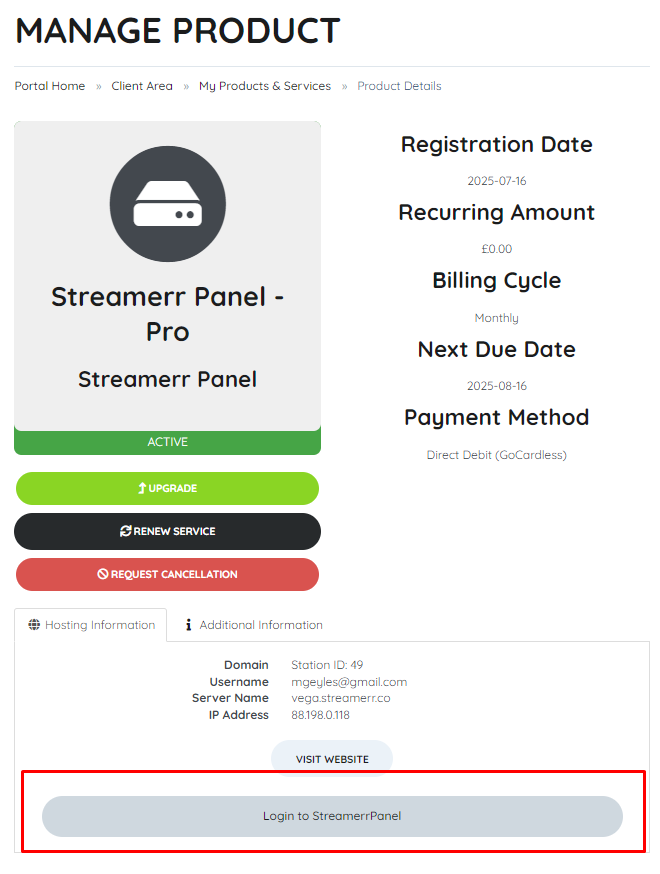
Now, all you need to do is click the ‘Login to StreamerrPanel’ button, found at the bottom of the page. This will log you into your Streamerr Panel service.
That’s it – you’re logged in! You can also login directly using the credentials that are sent to you via email when the service is first ordered. If you’re having issues logging in, please get in touch with our friendly support team!